
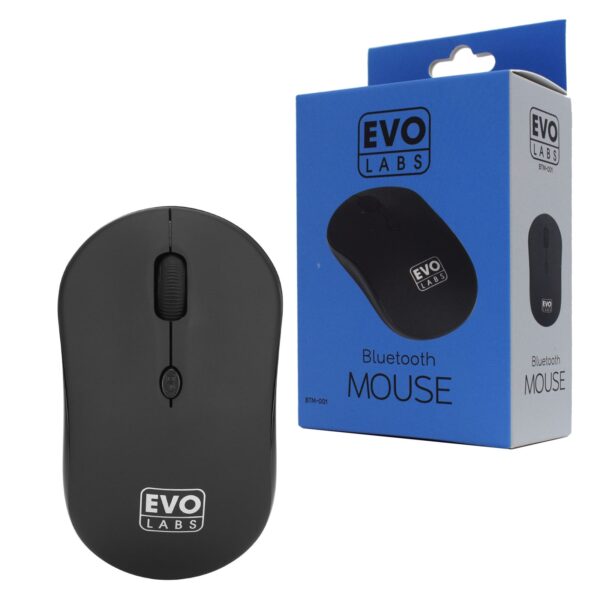
Evo Labs BTM-001 Bluetooth Mouse, 800 DPI
$ 15.62
Plug and Play – No Drivers Required (Bluetooth Connection Required) Pairing Instructions 1. Insert battery. 2. Turn mouse on using switch on the bottom. 3. Press and hold the Left, Right and Middle Scroll buttons for 5 seconds. 4. Mice will then appear on your Bluetooth device list.
You may also like…
-
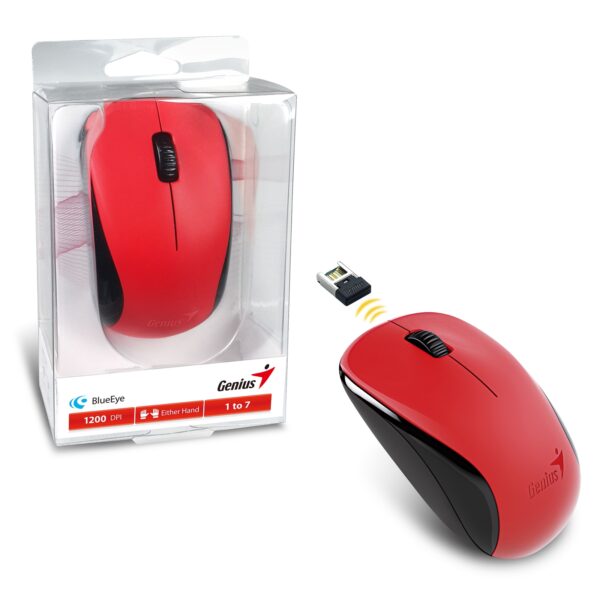 Genius NX-7000 Wireless Mouse 4 ColoursAdd to cart
-
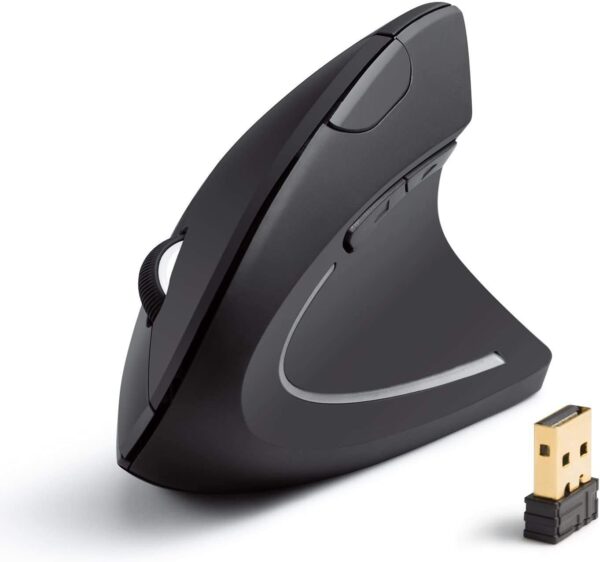 Anker 2.4G Wireless Vertical Ergonomic Optical Mouse, 800/1200 /1600 DPI, 5 Buttons for Laptop, Desktop, PC, Macbook – BlackAdd to cart
-
Evo Labs BTM-001 Bluetooth Mouse, 800 DPIAdd to cart
-
 Microsoft Surface Stylus Pen V3 4 Nibs ( 3ZY-00011) – SilverAdd to cart
Related products
-
Genius NX-7000 Wireless Mouse 4 ColoursEvo Labs BTM-001 Bluetooth Mouse, 800 DPI
-
Anker 2.4G Wireless Vertical Ergonomic Optical Mouse, 800/1200 /1600 DPI, 5 Buttons for Laptop, Desktop, PC, Macbook – BlackSelect options
This product has multiple variants. The options may be chosen on the product page
-
Evo Labs BTM-001 Bluetooth Mouse, 800 DPISelect options
This product has multiple variants. The options may be chosen on the product page